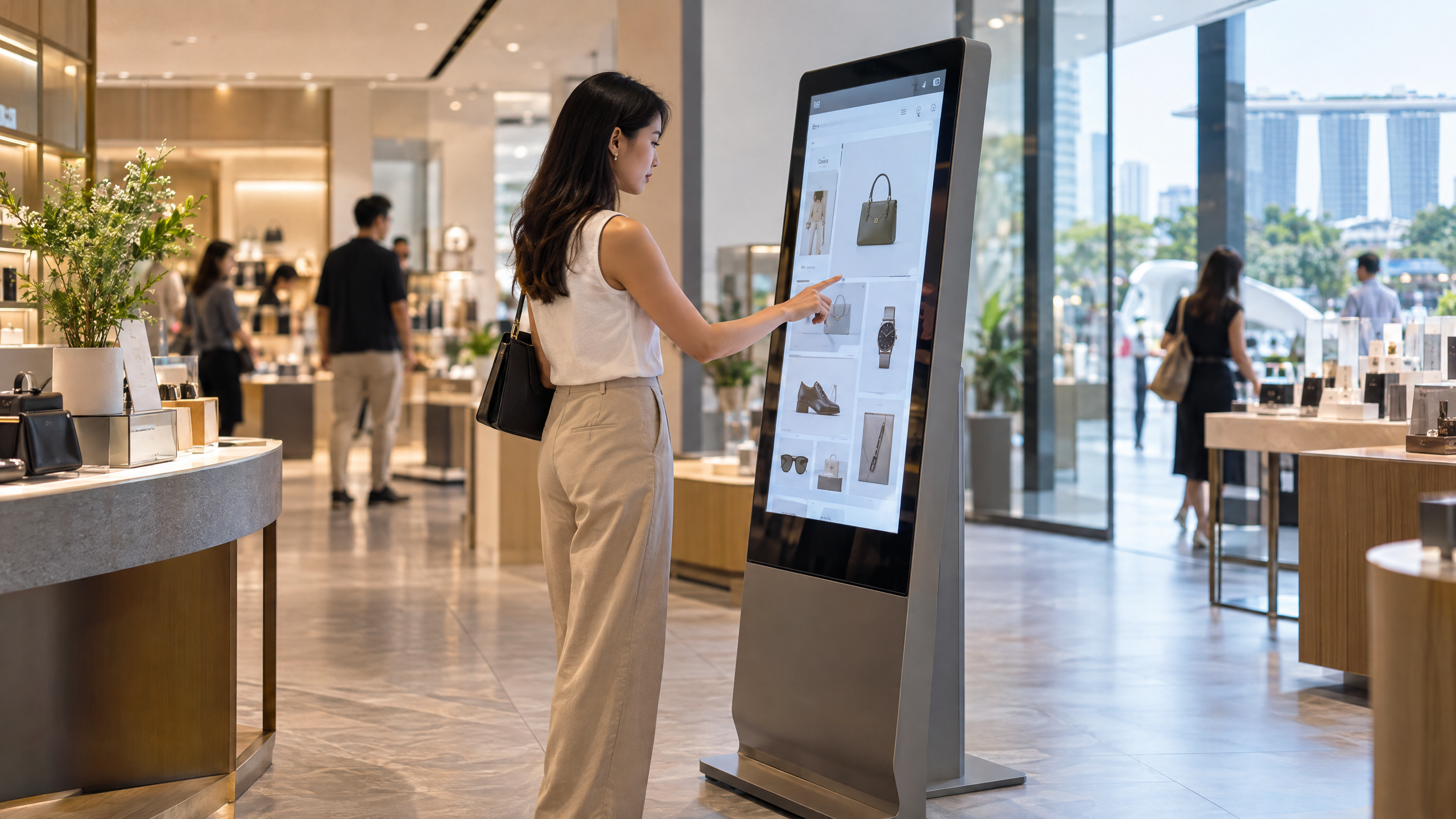
Interactive touchscreen kiosks Singapore retailers deploy are revolutionising customer engagement by enabling seamless product discovery, real-time inventory lookup, and assisted sales. These digital interfaces empower shoppers to interact directly with product catalogues, promotions, and personalised content, enhancing convenience and reducing staff workload. For Singapore business owners, facility managers, marketing managers, and AV consultants, understanding the key considerations when selecting and deploying interactive touchscreen kiosks is essential for maximising their retail impact.
Choosing the right hardware foundation is critical for retail touchscreen kiosks to withstand Singapore’s tropical climate and high foot traffic environments such as Orchard Road, Marina Bay Sands, or suburban malls. Key hardware aspects include:
Retail environments in Singapore vary from air-conditioned malls to semi-outdoor settings. Test screen legibility at the proposed location rather than treating one brightness rating as suitable everywhere. Window glare, direct sunlight and operating temperatures can change the specification. An indoor model should not be assumed suitable outdoors. Consider customer flow and accessible screen reach, and keep aisles and emergency exits unobstructed.
Interactive touchscreen kiosks Singapore retailers implement must seamlessly integrate with existing retail systems to support efficient workflows:
Collecting customer data via kiosks requires adherence to Singapore’s Personal Data Protection Act (PDPA). Organisations should:
For detailed guidance, refer to the PDPC’s Advisory Guidelines on Key Concepts.
Strategic placement of interactive touchscreen kiosks within retail spaces can significantly influence customer engagement and sales uplift. Considerations include:
Budgeting for interactive touchscreen kiosks involves multiple components beyond the hardware price:
Launching a pilot project in a single store or retail outlet allows evaluation of kiosk performance, customer acceptance, and operational challenges before wider rollout.
Use real product records in the pilot, including out-of-stock items and products with several variants. Check that prices and availability match the retailer’s source system, and that shoppers can recover from a slow connection or a failed lookup. Decide whether the kiosk should show cached information, offer an assisted-service option or pause a transaction when live data is unavailable. Make error messages clear rather than exposing technical details.
Observe users with different heights and levels of digital confidence. Test whether important controls are reachable, text remains legible and the kiosk clears each customer’s session. Train store staff to assist without seeing unnecessary personal information. Track completed browsing or ordering tasks, abandonment and support incidents against the pilot’s original objective. Use those observations to refine the interface and staffing plan before approving more locations.
Compare each proposal against the task it needs to perform. The following checklist describes buying considerations, not fixed product tiers or a guaranteed package of features.
| Retail task | Capability to confirm | Acceptance test |
|---|---|---|
| Product discovery | Search, filters and readable product content | Find a product and compare its variants without staff help |
| Stock lookup | Integration scope and update frequency | Verify available and unavailable stock against the source system |
| Assisted sales | Clear handoff to store staff | Request help while preserving the relevant product information |
| Checkout | Supported payment provider and optional peripherals | Test success, cancellation and failure with the configured system |
Best View Media offers configurable interactive touchscreen kiosks Singapore retailers can tailor to their specific needs. Their solutions feature commercial-grade multi-touch displays housed in robust metal enclosures designed for high-traffic retail environments. These kiosks support integration with third-party applications and retail inventory systems, enabling seamless product discovery and assisted sales. Optional capabilities include QR, NFC, RFID, and cashless payment readiness, adaptable to diverse retail workflows. For detailed product specifications and customisation options, visit the Best View Media touchscreen kiosk page.
Best View Media’s published kiosk offering brings together commercial displays, customisable interfaces and third-party application compatibility. For a retail project, discuss the hardware, software and site requirements together rather than comparing screen specifications alone. Ask which integrations and payment capabilities are included in the proposed configuration, how updates will be managed and what support is available. A clearly scoped proposal makes it easier to judge whether the solution fits the store’s actual customer journey.
Planning a retail touchscreen kiosk? Contact Best View Media to discuss your store layout, product catalogue and required integrations. Share the customer task you want to improve and request a configuration that can be tested in one store before a wider rollout.
We offer a versatile and customizable visual experience, empowering businesses to enhance their brand presence and captivate their audience.